
Begin with a purpose
Choose challenge rating, type and role to shape the creature. Add setting context through habitat, origin and other Deep preferences.
Give the encounter a creature worth remembering
A striking form. A place in the world. A reason to change the party’s plans. Prepare original creatures with ecology, actions and lore, then review the dossier for your table.
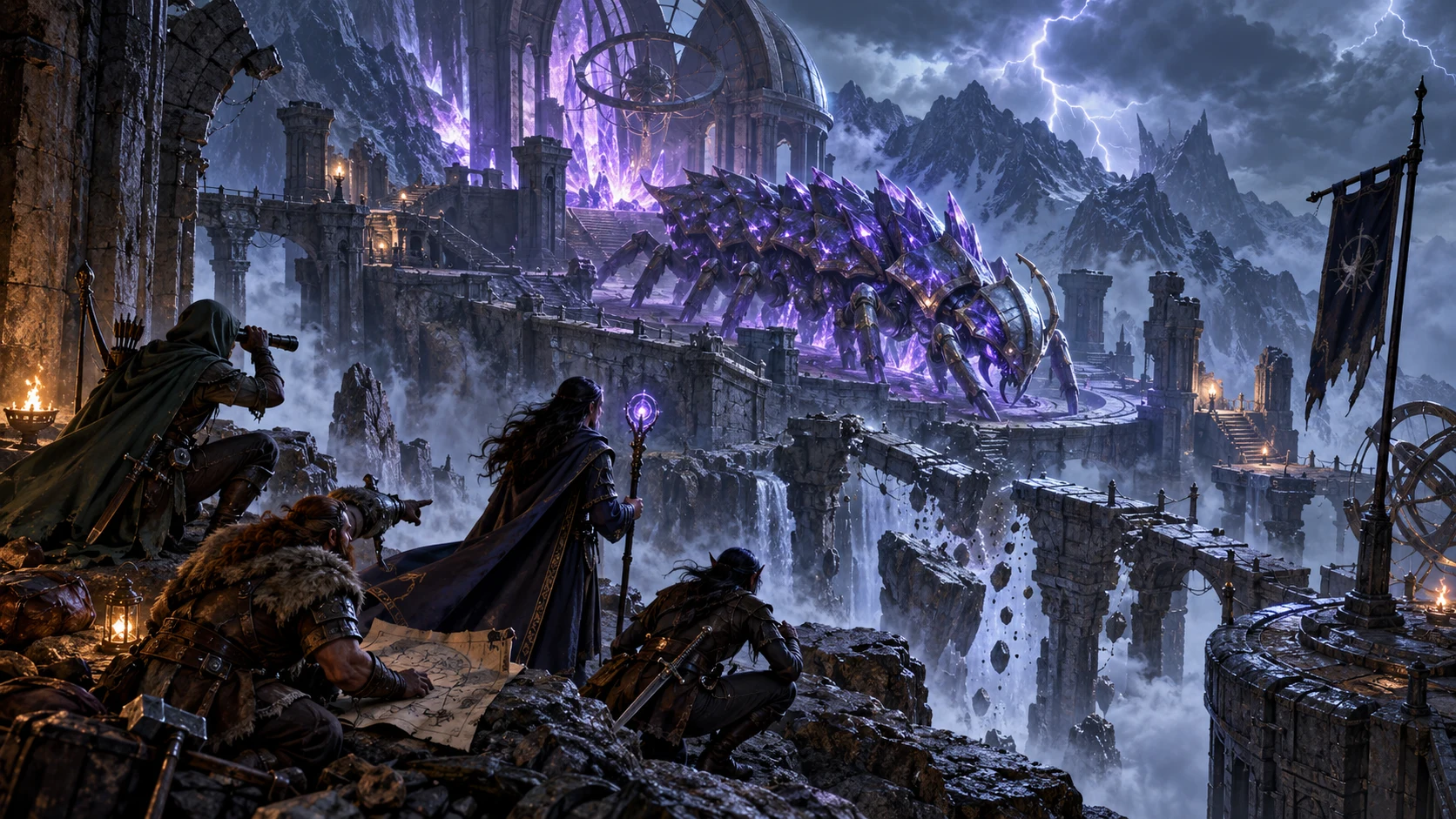
From an idea to an encounter
Bring its form, behaviour and abilities into a single reviewed dossier.
Choose challenge rating, type and role to shape the creature. Add setting context through habitat, origin and other Deep preferences.
Read anatomy, movement, diet and ecology together. Adapt signs and behaviour so the party can discover more than a stat block.
Review statistics, actions, defences, magic and lair material where present. Resolve interactions and rulings before the creature enters play.
Save explicitly to your account library or download the full record as JSON. A seed alone is not an exact replay of a creature.
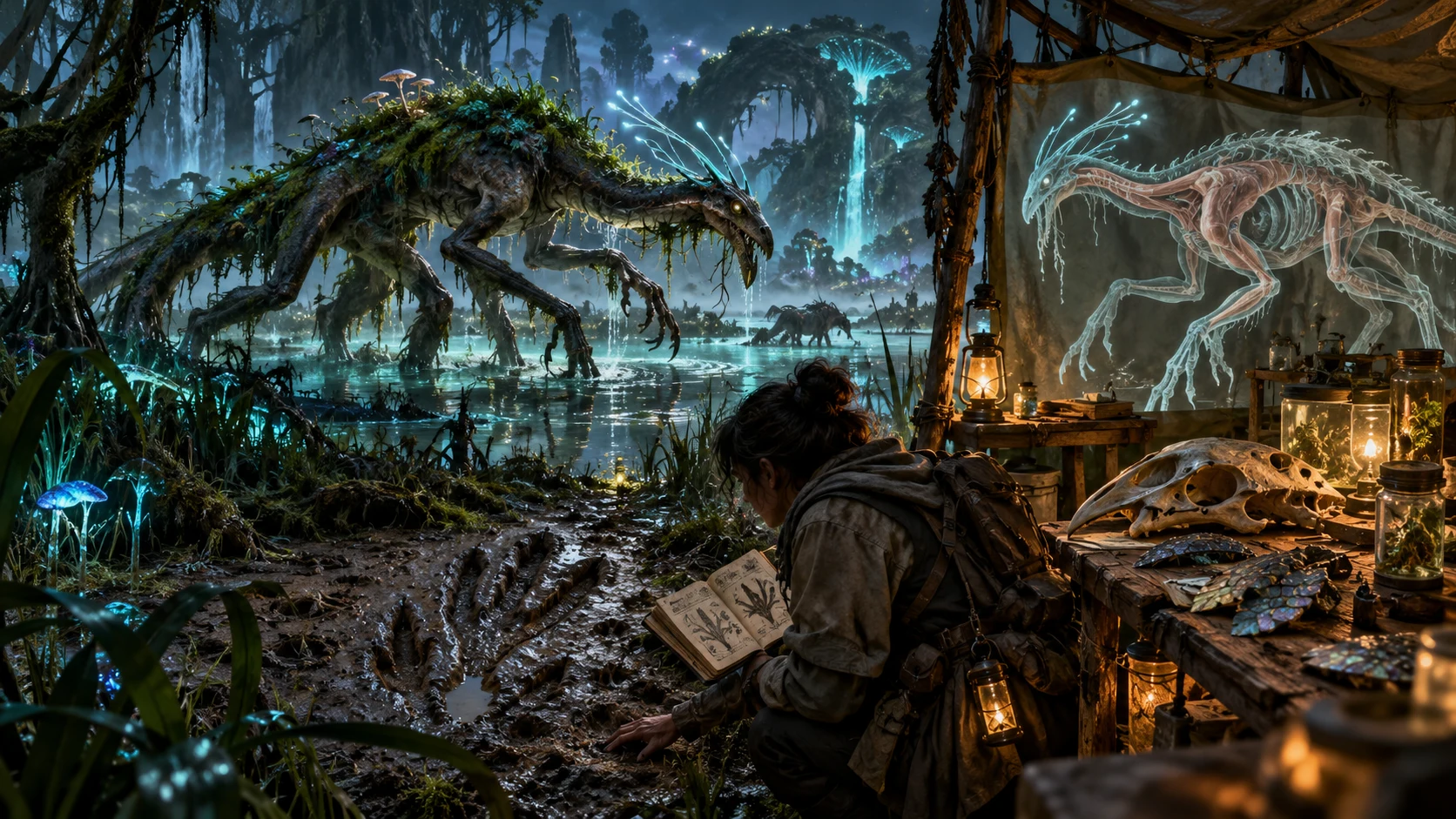
Read the signs before the reveal
The swamp illustration pairs a creature with tracks, scales, a skull and an anatomy drawing. Connect what adventurers can observe with the creature’s movement, diet and habitat.
Use the dossier’s ecology and physical description as preparation prompts. The tool creates creature text and structured data; the artwork is illustrative.
A brief you can revise
Use the generated material as a starting point for your judgement.
Choose Quick or Deep controls and add a seed if useful. Retained Deep choices still apply in Quick mode. Fresh roll clears the seed and locks while retaining other choices.
Check identity, anatomy, statistics and actions against ecology and lore. The generator does not certify official rules balance.
Edit supported prose, lock sections during a full Generate or reroll one card. Review cross-section consistency after every revision.
Save the exact result, choose the appropriate export and review player-visible text. Optional Monster Studio transfer has separate access and field limits.
What the current tool provides
Original descriptions and structured details support your encounter preparation.
Choose challenge rating, creature type and role in Quick mode. Deep controls add size, habitat, intelligence, origin, magic, disposition, movement, rarity and more. Retained Deep choices still apply in Quick mode.
Build an original creature with a physical description, diet, signs, social behaviour and habitat. Connect its visible form with how it lives and how adventurers might encounter it.
Read statistics, defences, attacks, abilities, reactions, spellcasting, lore, lair details, treasure and guidance where applicable. This is setting-neutral material to review and adapt at your table.
Lock top-level sections during a full Generate. Reroll a chosen card while preserving other sections; that card changes even if locked. Review names and mechanics across retained and revised sections.
Create juvenile, elder, elite, corrupt or regional variants from the current controls. Variants retain identity and usually anatomy, replace other selected locks and record parent lineage. Review retained labels against new mechanics.
Edit selected name, description, lore and guidance fields, and named action text. Compare records to examine changes. Structural validation offers a limited check; it does not certify balance or resolve contradictions.
Save explicitly to your account library, search, pin, rename, duplicate or delete records. Download the loaded library as JSON. A same-ID save updates its entry; there is no autosave or prior-version browser.
Copy player text or DM text, download a complete record as JSON, or print the current dossier. With required Combat PRO and Cloud access, send supported fields to Monster Studio and review the transferred actions.
Choose the level of detail
The same creature workflow accepts broad choices and detailed preferences.
Begin with challenge rating, creature type, role and seed. Previously selected Deep choices still affect generation; Quick mode is not a clean reset.
Specify size, habitat, intelligence, origin, magic, disposition, damage and defence themes, stage, movement, ecology, rarity and naming.
Add a visual motif, desired weakness and an elite preference. These guide creature content; they do not create a generated image.
Current controls and a changing generation counter affect output alongside the seed. Opening a saved creature does not restore every control or lock.
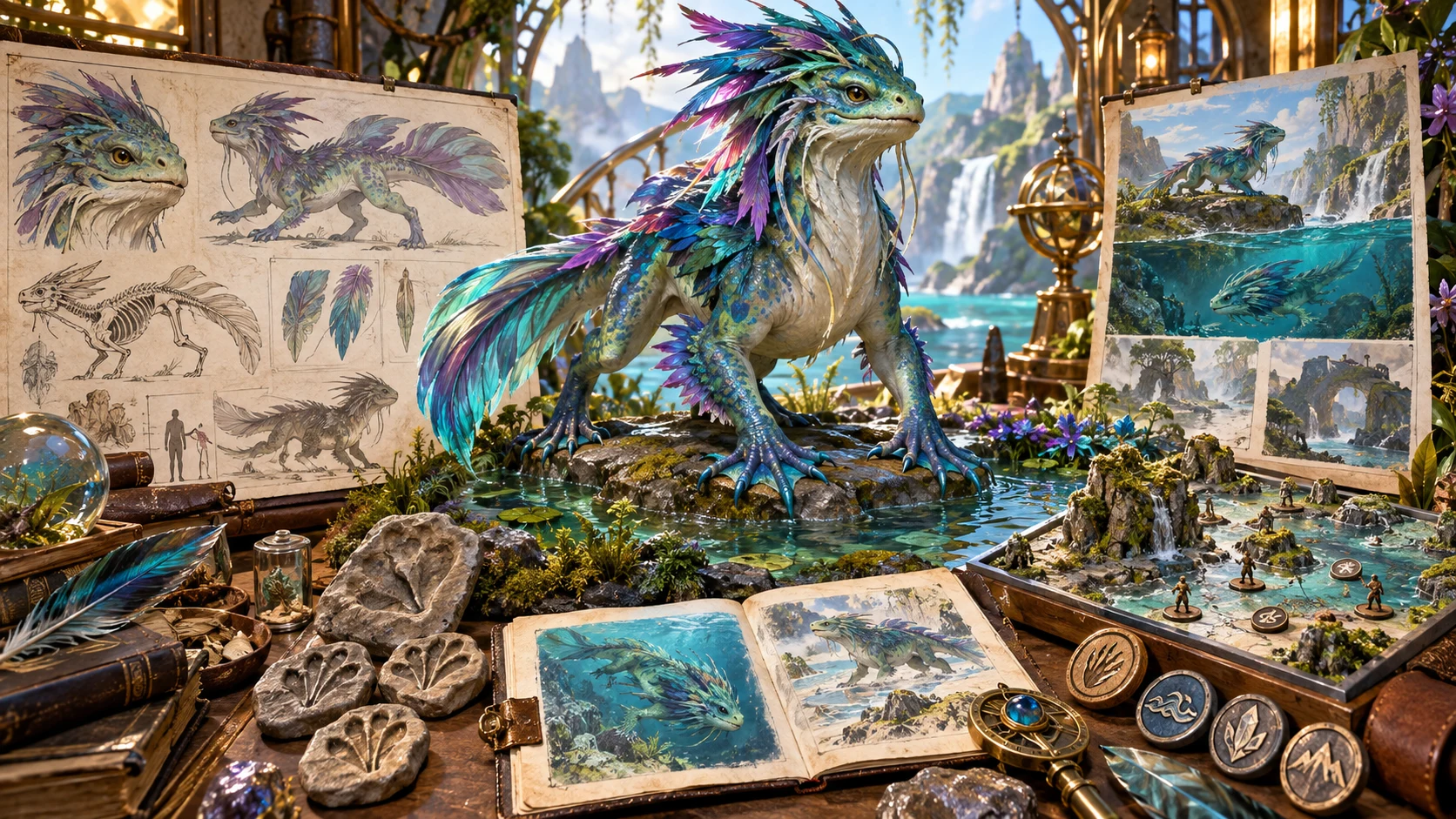
Keep the creature and its context together
The illustration brings a feathered creature, anatomy boards, habitat sketches and a water terrain model together. Read physical form, environment and encounter details as parts of the same creature.
The full JSON record preserves structured fields. DM text and the displayed dossier present selected information; inspect the format you intend to use.
Change a result with care
Locks, card rerolls, variants and edits have different effects.
Selected top-level sections stay while other sections regenerate. Linked names, prose and mechanics are not automatically reconciled across sections.
The chosen section is replaced even if locked, while other sections stay. A reroll can produce similar content; review the revised section in context.
Juvenile, elder, elite, corrupt and regional variants use the current brief. They replace other selected locks and retain identity and usually anatomy; regional variants retain identity.
Retained identity or description can keep earlier stage labels while newly generated mechanics change. Lineage records the parent; it does not guarantee a consistent variant.
Prepare it for your rules and players
Structural checks and sharing controls have practical limits.
Validation checks basic structure, not rules balance or every relationship. Generic spells and themed abilities need the rulings your table will use.
Edit selected prose and named action text. There is no general numerical or JSON editor, and a newly added action does not receive automatic damage values.
Player copy omits dedicated private lore and DM notes. Secrets entered in its included name, description or signs are not filtered. Read the actual copied text.
Library operations do not guarantee semantic validity. A backup merge overwrites matching IDs; inspect trusted restored content before use.
Choose access for your toolkit
Begin with a free VISINVOKE account, then review the required selection and subscription.
Select Monster Generator individually. Creating a free account does not by itself include paid generator access.
Choose five eligible standalone generators. Review tools and terms in your account; a selection pack does not include every VISINVOKE product.
Choose more capacity when it suits your toolkit. Review actual tools and reselection terms before changing your subscription.
The standalone account library does not require the optional transfer. Monster Studio handoff requires Combat PRO ownership and eligible active Combat PRO Cloud access.

Search, pin, rename, duplicate, open or delete records. A same-ID save updates its entry. There is no autosave, prior-version browser or coordination of simultaneous library edits.
Download the currently loaded library. Restore merges a records-array backup, overwrites matching IDs and retains unrelated records. Keep trusted backups and inspect the result.
Player and DM copies are text selections. Full DM text omits some structured fields; JSON retains the full record. Print includes private dossier sections rather than player copy.
Transfer supported fields as a custom monster, not a live encounter. Generated attack bonus, reach, range, damage and save fields are not mapped; review numbers and action classification.
Repeated sends do not update an earlier Monster Studio record. Duplicate suppression is limited to the current session; inspect the destination before resending after reopening.
Build your tabletop toolkit
Each card opens its own public website. Review purpose and access separately; links do not promise included access or automatic synchronisation.

Discover and open your supported Windows products through one connected VISINVOKE account.

Explore environment packs for tactical locations and the places your encounters unfold.
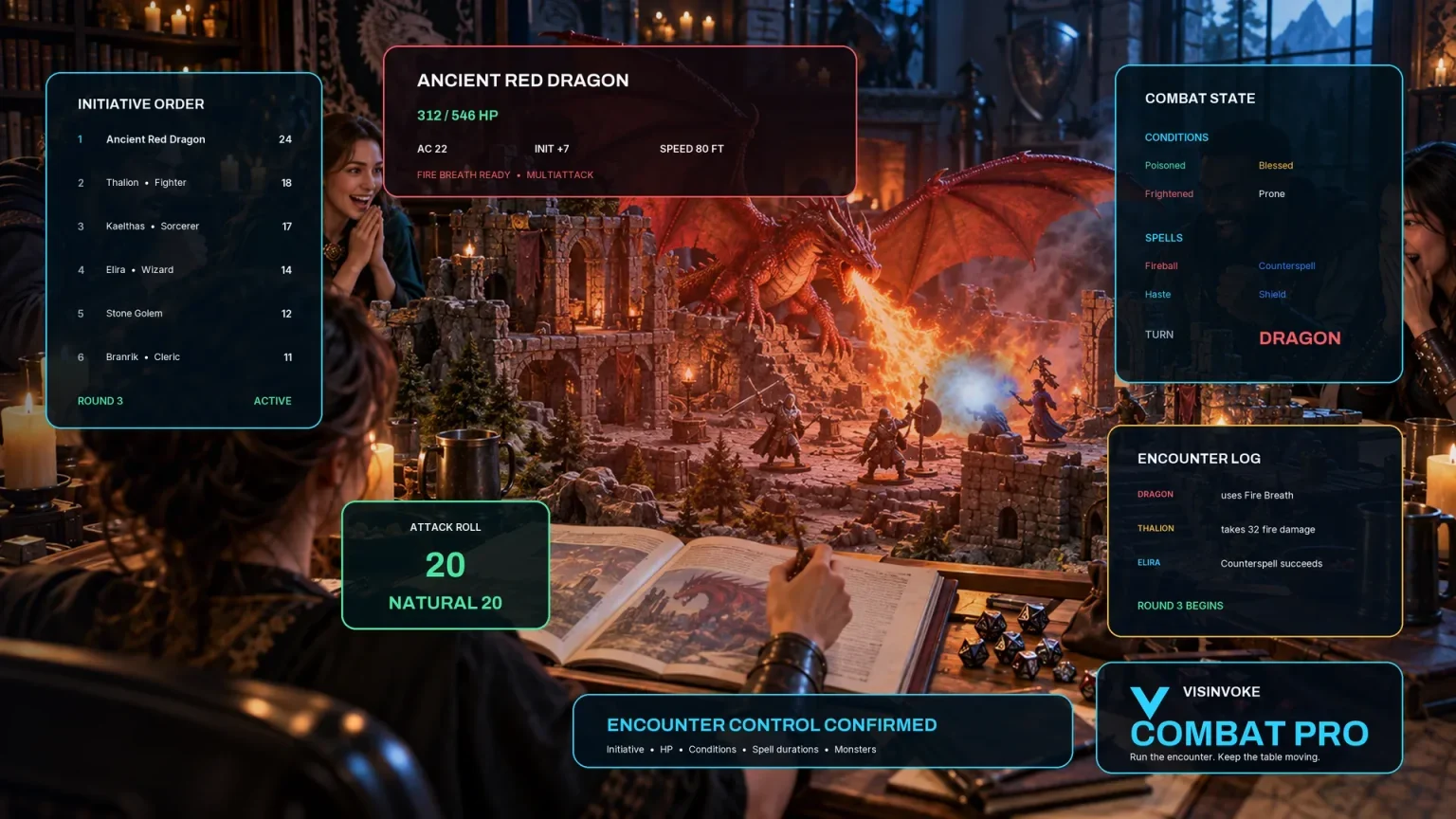
Review prepared opposition, tune creature statistics and run tabletop encounters with its own access.
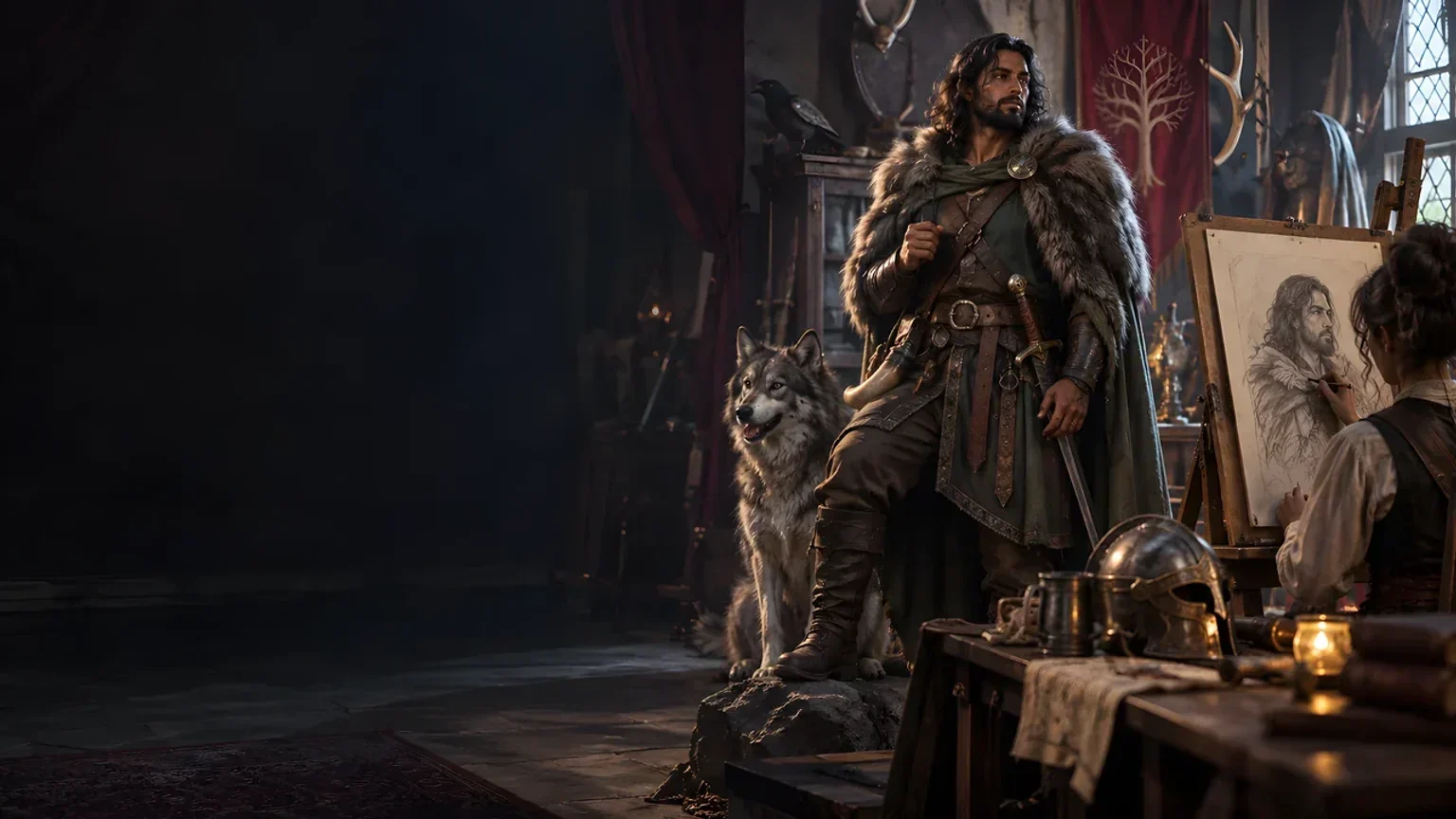
Create focused character, monster, item and location images to complement your tabletop preparation.

Create guided commercial visuals for websites, brochures and wider creative projects.

Explore a separate futuristic RPG experience with its own world, characters and progression.
Product artwork illustrates creature preparation, not application screens or actual generated image output.
Quick answers
Understand the current workflow and its limits before opening the tool.
It creates original creature descriptions and structured tabletop dossiers from your chosen brief. Quick mode exposes challenge rating, type, role and seed; retained Deep choices still apply. Deep mode adds anatomy, ecology, magic and other preferences. It does not generate artwork or maps, run live combat or certify official rules balance. The page artwork illustrates creature preparation.
Seed alone does not reproduce an exact result. Current controls, the changing generation counter, retained sections and reroll scope also matter. Fresh roll clears the seed and locks while retaining other choices. Full Generate respects selected top-level locks; a card reroll replaces that card even if locked. Variants use the current brief, replace other selected locks and retain identity and usually anatomy; regional variants retain identity. Old stage labels or descriptions can differ from new statistics. Check the complete result and export or save the exact record you want to keep.
The editor supports selected name, anatomy, lore and guidance text, plus named attacks, abilities, reactions and legendary entries. It is not a general numerical or JSON editor. Structural checks cover a name and type, basic AC and positive HP, distinct named attacks, and some elite or magic requirements. They do not assess rules balance or every cross-field relationship. Editing validation is limited; library operations do not guarantee semantic validity. Review a saved, restored or edited creature before play.
The paid standalone tool uses an explicit account library. Save updates an existing same-ID entry; there is no autosave, prior-version browser or coordination of simultaneous library edits. Opening restores the creature and seed, not every generation control or lock. Rename and duplicate change the identity name while linked prose can retain old names. Recent generation history is separate and lasts only in the current session. Library backup downloads currently loaded records. Restore merges a records-array backup and overwrites matching IDs while retaining unrelated records; it is not a complete content validation. Use trusted backups and inspect restored entries.
Player copy includes name, size, type, role, challenge rating, description and visible ecology signs. Dedicated private lore and DM notes are omitted, but secrets entered in included text are not filtered. Full DM text includes private material while omitting some structured fields such as defences, spellcasting and attack details. Single-record JSON and library backup retain full records and private material. Print uses the current dossier, including private sections, rather than player copy. Review every shared export. A single-record JSON download is not the library restore format.
Individual standalone access is US$1.99/month; five selected eligible generators are US$8.99/month. Open the Windows tool through Desktop Command Centre using your account. A free account alone does not include paid access. The optional one-way handoff also requires Combat PRO ownership and eligible active Combat PRO Cloud access. It creates a custom Monster Studio record rather than a live encounter or initiative entry. Supported statistics, defences, spells, traits and actions transfer, but generated attack bonus, reach, range, damage and save fields are not mapped; review numbers and action classification in Monster Studio. Repeated sends do not update the earlier record. Duplicate suppression is limited to the current session, so inspect the destination before resending after reopening. Related tools have separate access.
Continue in VISINVOKE
Create a free VISINVOKE account and choose required standalone access.
Get Desktop Command Centre from your account installer page. Sign in on Windows, then open Monster Generator.